Download a YouTube Thumbnail on Phone and PC
You do not need an app or a browser extension. A thumbnail download works in any browser on any device, and the only difference is how you copy the link.
On a computer
- Open the video and copy the address from the browser bar.
- Open the YouTube thumbnail downloader, paste the link and press Get thumbnails.
- Click Download next to the size you want.
On iPhone or Android
- In the YouTube app, tap Share and then Copy link.
- Open ThumbGrab in your phone's browser, paste the link and tap Get thumbnails.
- Tap Download. On most phones the file goes to your downloads or photos, depending on the browser.
If nothing seems to download
- Check your browser's downloads list, because some phones show no message.
- Try another browser if a pop-up blocker is interfering.
- Use the copy-image-URL option and open it in a new tab, then long-press the image to save it.
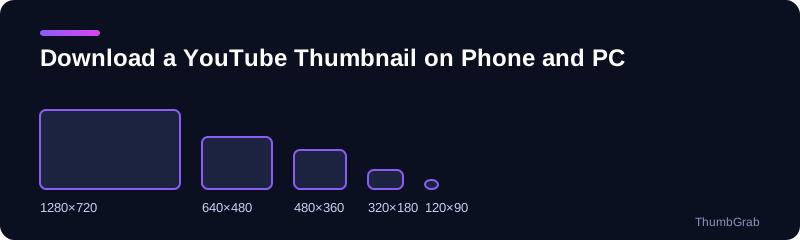
For the highest quality, choose the 1280×720 file, as described in how to download a YouTube thumbnail in HD. Before you reuse a downloaded thumbnail, read whether YouTube thumbnails are copyrighted.
Saving many thumbnails on a phone
On a phone it helps to keep ThumbGrab open in one tab and the YouTube app in another. Copy a link, switch tabs, paste and download. Doing this one video at a time keeps the files tidy, and the names include the title so you can find them later in your downloads folder.
Tips for each device
- iPhone: in Safari the file may open in a new tab. Press and hold the image and choose Save to Photos.
- Android: in Chrome the file usually lands in your Downloads folder and shows in the gallery.
- Computer: the file goes to your browser's default downloads folder.
Do not install anything
You do not need an app or a browser extension. A page that asks you to install software just to download a public image is best avoided.
Frequently asked questions
Can I download a YouTube thumbnail on iPhone?
Yes. Paste the link into ThumbGrab in Safari and tap Download. If the image opens in a tab, press and hold it to save.
Can I do it on Android?
Yes, in Chrome or any other browser, with no app.
Do I need an extension on a computer?
No. It works in Chrome, Firefox, Safari and Edge.
Where does the file go?
To your browser's downloads folder, or to your photos, depending on the device.
Is it safe?
ThumbGrab asks for no account and no personal data, and nothing opens by itself.
Keep reading
- Next guide: Are YouTube thumbnails copyrighted
- The tool for this topic: download YouTube thumbnails in HD
- Back to the YouTube thumbnail downloader